


 Jul 8 - Jul 21
$84.2K
+8.4% vs prior
Find spend with no path to return, review the evidence, and approve the clean-up.
Hook rate, hold rate, CTR, CPM, and the creatives behind each change
 1
1 2
2 3
3Search terms, fatigued creative, broken audiences, and inefficient placements stay under continuous review.
Open the leaking line, inspect the cost and cause, then approve the precise exclusion, pause, or reallocation.
Spend has no credible path back to target.
Search terms, audiences, and fatigued ads are traced to the precise clean-up they require.
Run one leak check or keep the Efficiency Agent watching the account.
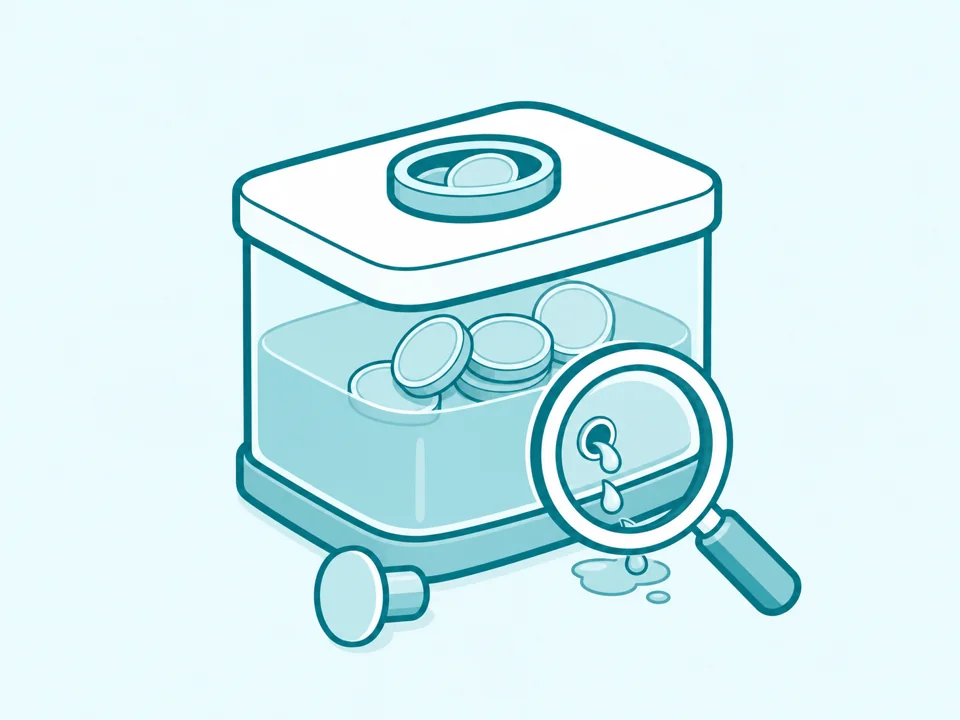
Find the campaigns, terms, and placements that no longer earn their spend.

Rank the account fixes most likely to return performance to target.
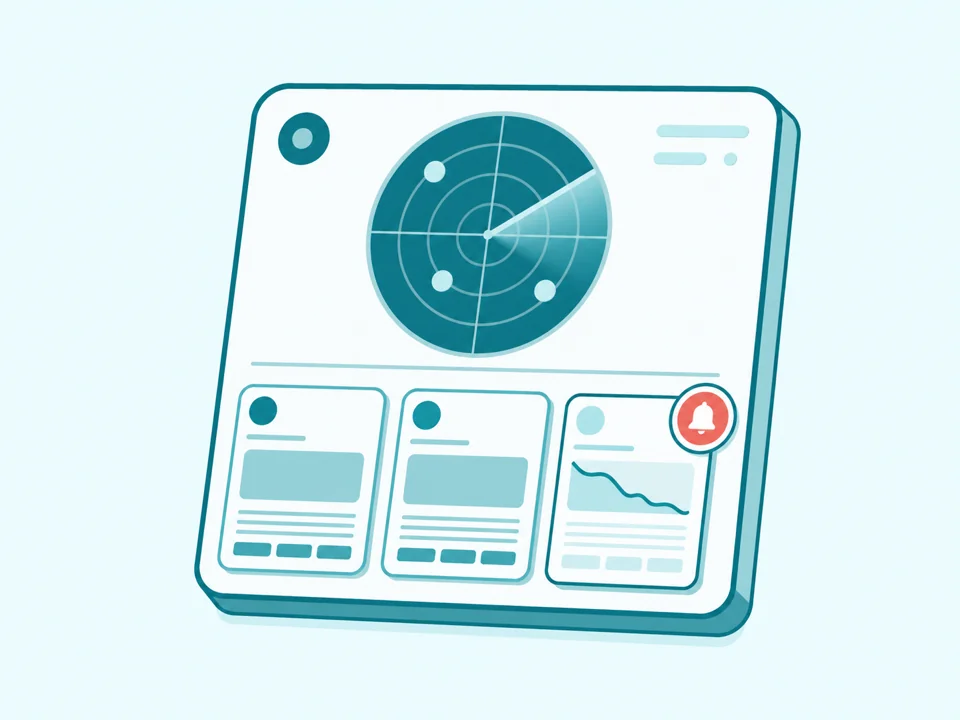
Catch declining ads before fatigue turns into another week of waste.
Connect the live account and creative evidence to the controls required for each fix.
FAQ
It uses the learning window, minimum spend, campaign purpose, target, and exceptions your team defines.
It can surface inefficient search terms, placements, audiences, stale creatives, duplicated targeting, and campaigns with no credible route back to target.
Yes, within your permissions. Keep those actions behind approval or pre-approve a narrow set of fixes.
Yes. Every item keeps the affected spend, account evidence, and proposed fix together.
Let the Efficiency Agent keep watch and propose fixes inside your rules.
 +8.4% vs prior
 AI commentary: CTR recovered after Hook 04 entered rotation. CPM stayed stable while the product demo softened.